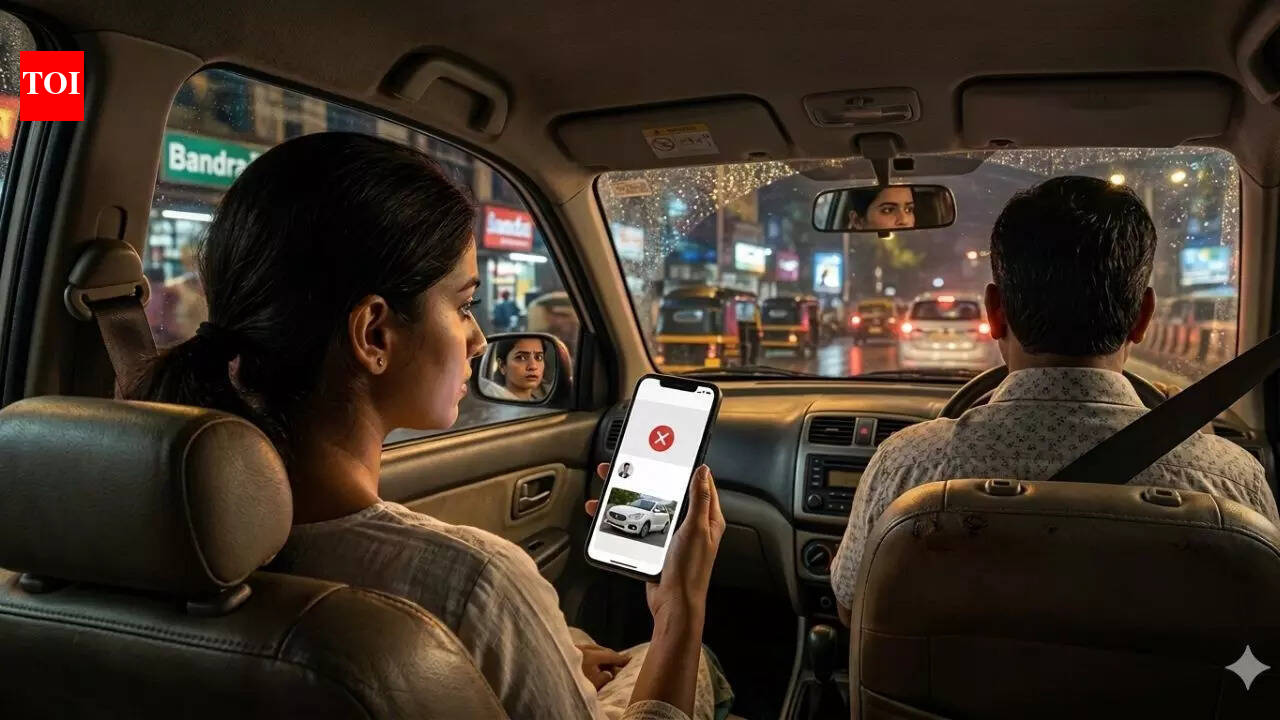
Ride-hailing services are generally safe, but sometimes, the services present strange scenarios. For example, in Mumbai, it is reported that a woman booked an Uber cab but found that the details of the car and driver did not match those shown by the application. She inquired about the discrepancy, but he immediately canceled the ride and left. Experts say that before boarding the cab, it is important to check the complete information about the driver and the cab. It is pointed out that it is better to take some precautions to avoid awkward situations.
uber driver mismatch Mumbai commuters are confused and worried
The woman had requested for travel from Andheri to Bandra. When the driver arrived, the number plate and ID did not match the app. The woman reportedly asked for clarification before getting into the car. The driver canceled the ride and left. The ride was cancelled, and therefore, there was no way to report it as the ride was cancelled. Some users have complained that the app lacks a support system. There seems to be no way to find out when a ride is cancelled, and this can be frustrating for users who want to complain.The incident went viral after a person shared it on social media. According to reports, the man’s intention was to warn others to be careful about the driver’s information. People reacted to the post by sharing their experiences and opinions. Some people claimed that they faced the problem of trip cancellation due to incorrect details. Others claimed it could be an issue of shared credentials or device usage. One person mentioned that taking a screenshot of the booking could be helpful in reporting the incident. Others mentioned that people should contact the police if they feel unsafe.
Simple steps to verify Uber or Ola drivers and avoid risks
Riders can take simple steps to stay safe. Experts say small checks make a big difference.
- before getting into the cab
- Check the car number, model and driver’s photo on the app. Make sure every detail matches.
- Use Uber’s 4-digit PIN verification system before the ride begins. This ensures that the driver is authentic.
- Confirm OTP in Ota before starting the journey. Never start a trip without this step.
- Share your live trip details with family or friends. Most apps allow real-time tracking.
- Check that the child lock is off so you can get out quickly if needed.
- Tips to Make Sure Your Ride Matches the App
- Driver ID and License Check: Politely ask the driver to show his official ID and compare it with the app photo.
- Vehicle Inspection: Look at the car carefully. Check stickers, number plate and condition of the vehicle. Any mismatch is a red flag.
- Fully utilize app features: Uber’s “Verify Your Ride” feature generates a unique 4-digit PIN for each trip. Start only when it matches. Ola also has a similar OTP system.
- Route confirmation: Open the app map and check if the route is aligned with your destination. If the driver tries to take a strange turn, ask why.
- Device Awareness: Use only your personal device to book a ride. Avoid using shared accounts or unfamiliar devices.
- while i was waiting for the ride
- Wait in a safe, well-lit, and busy area.
- If possible, stay inside a shop, office or building until the car arrives.
- Keep an eye on the app and avoid distractions like your phone or music.
Experts share tips to stay safe while booking a cab
Experts advise that one should be cautious. One should book only through the app and avoid sharing personal details with the drivers. Social media has also been used by some people, and they have provided suggestions such as taking screenshots and calling customer care services. Some people have noticed that the app has the ability to log details and suspend accounts if necessary.